What it is
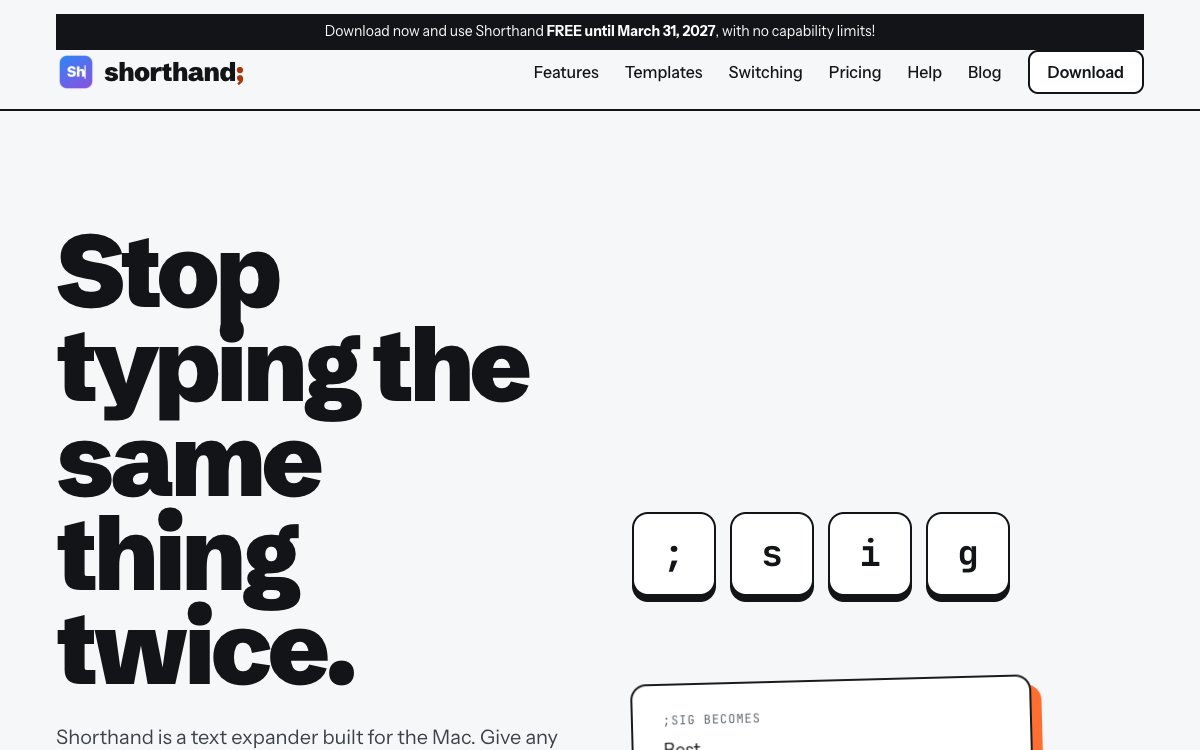
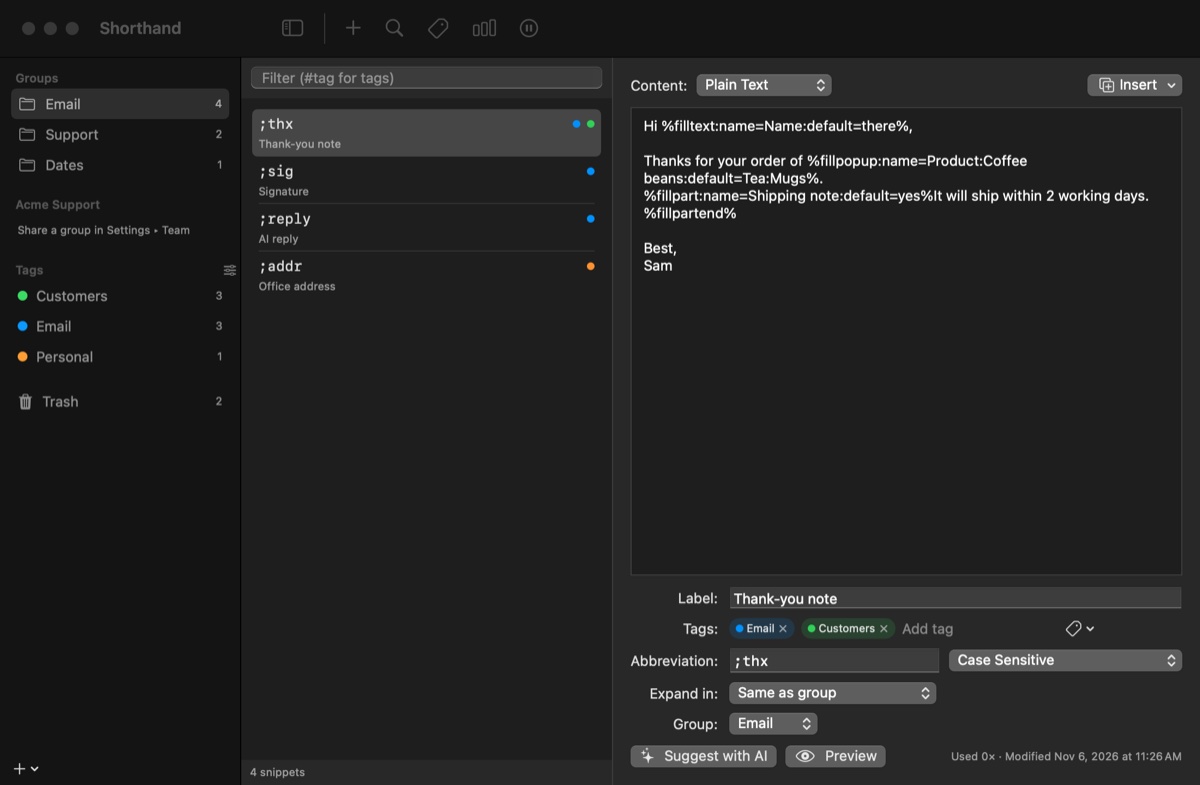
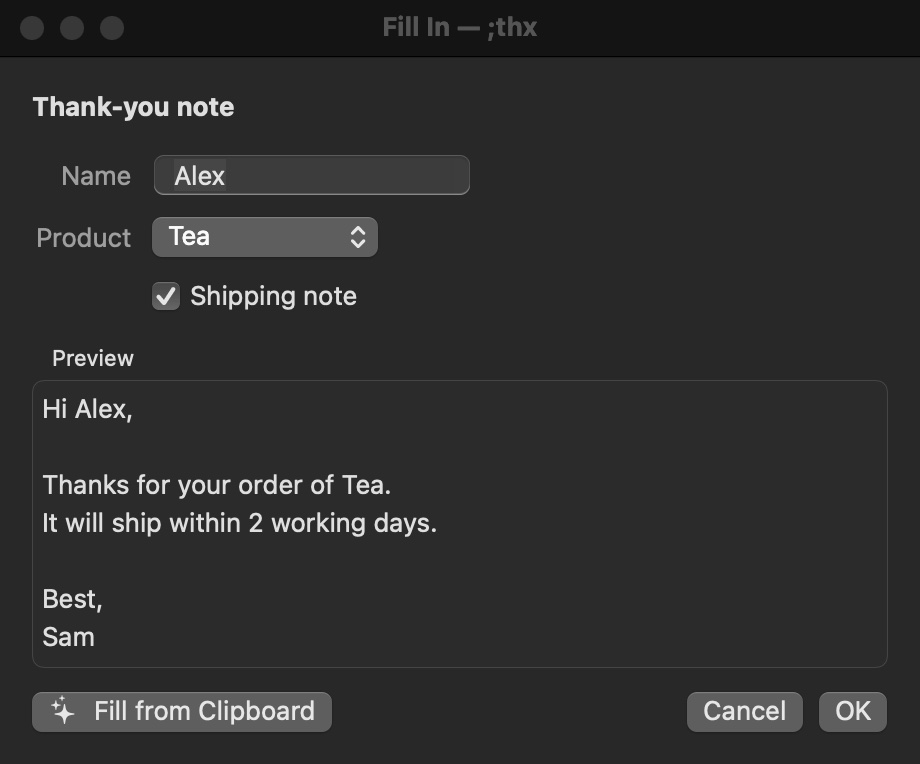
Type a short abbreviation, like ;sig, and Shorthand types the full text for you in any app on your Mac. A snippet can ask for the parts that change, with blanks, menus and optional paragraphs, and it can fill in today’s date or a date two weeks out. It brings over a TextExpander library as it is, and it reads libraries from several other text expanders too.
John had used TextExpander for years, and the version he owned wasn’t built for Apple Silicon Macs. So he asked Claude Code for a replacement that would read his library as it was. It grew from there: AI rewriting, optional encryption with Touch ID, and shared snippets for small teams.
What went wrong
Every new build lost its permission to read the keyboard, so macOS asked for it again each time. The fix was signing every build with the same identity, so the Mac sees it as the same app.
Worse, turning that permission off while Shorthand was running froze typing and clicking across the whole Mac. Scrolling still worked. The app kept holding the keyboard after macOS cut it off. Version 1.5.4 lets go the moment the permission goes away.
Sending the app to Apple for its security check first failed with a sign-in error. That step needs an app-specific password from the Apple account page, not the normal one.
What we learned
No reverse engineering was needed. Text
Ask for the whole thing in one sentence, then polish in rounds. Most of the later sessions started with “Anything to polish?”
OK, can you create a mac app that has all the same features, functions, etc. as text expander that will work with MacOS 28 and will allow me to import my textexpander export?